



For Students
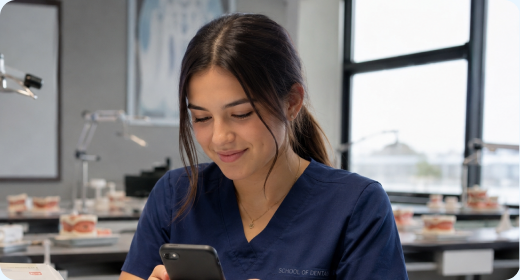
- Complete guided exercises
- Receive immediate visual feedback
- Practice independently before lab


Practice + Visualize + Repeat
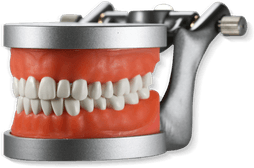
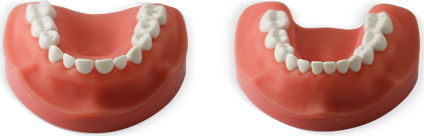
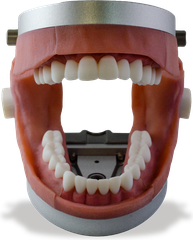
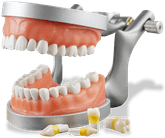
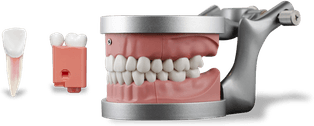
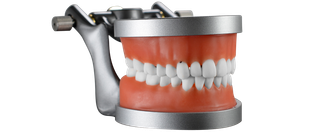
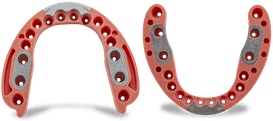
Built to complement Acadental's physical simulation models, Teo reinforces the same landmarks, positioning, and procedures students perform in the simulation lab.
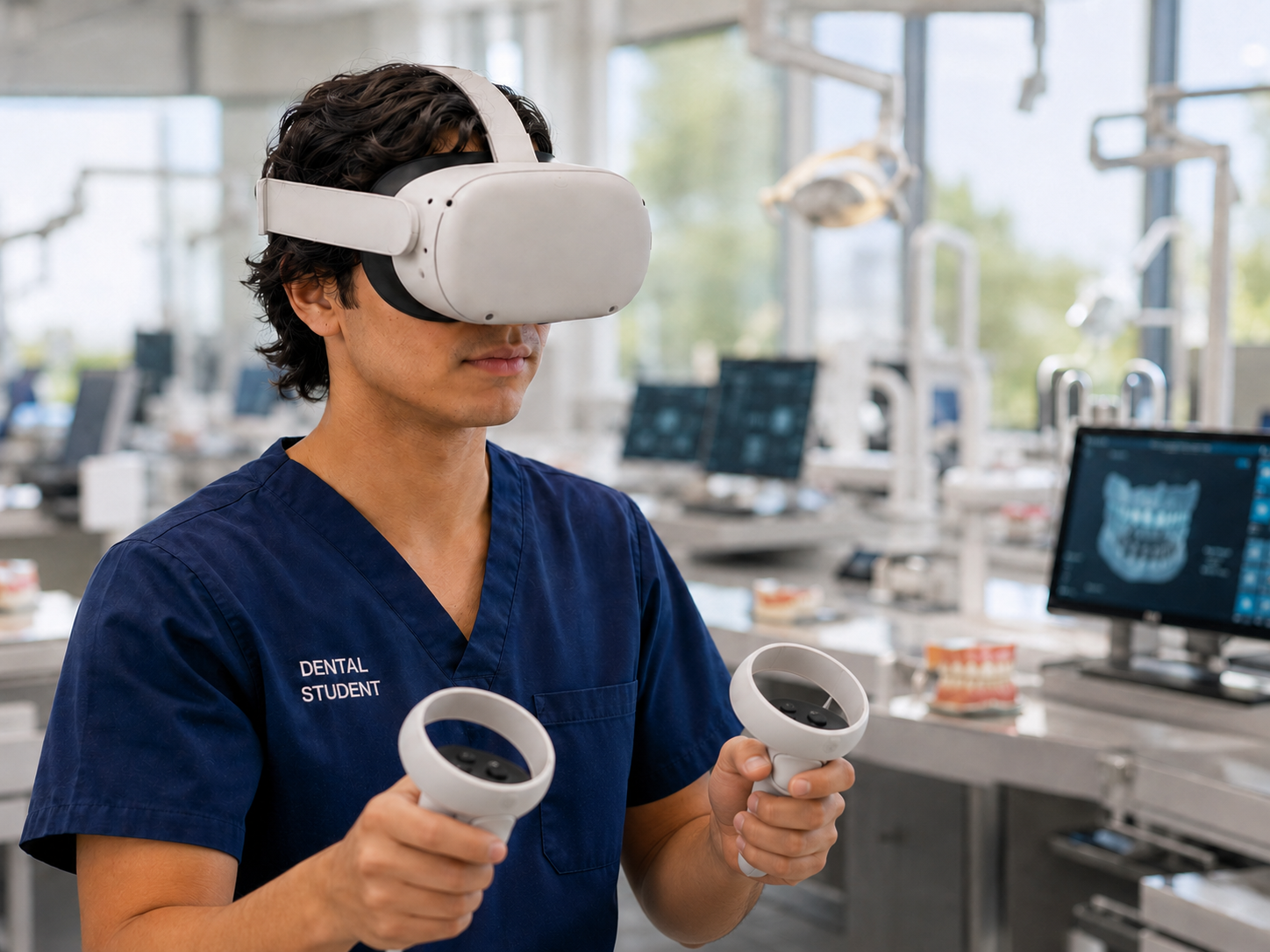
Students actively learn procedures, anatomy, and clinical concepts through immersive VR experiences that build confidence before lab and patient care. Instead of relying only on demonstrations and static images, students learn by doing.
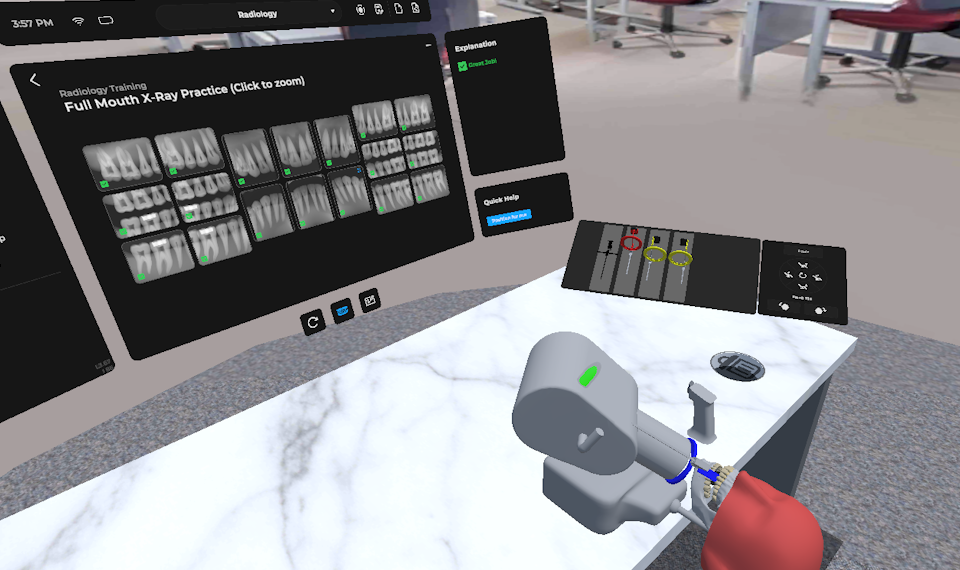
Radiology Training
Sensor Placement • Angulation • Cone Alignment • Error Detection
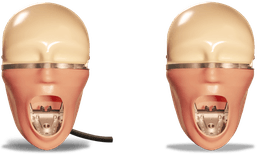
Teo Radiology discipline helps students develop radiographic skills through hands-on simulation. Students practice positioning and image acquisition while receiving immediate feedback on common errors.
By understanding how technique affects image quality, students build confidence and consistency before entering the simulation lab or treating patients.
Endodontic Procedures
Access • Canal Location • Working Length • Cleaning & Shaping • Obturation
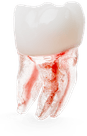
Teo Endodontic discipline guides students through complete endodontic procedures step by step, reinforcing workflow, instrumentation, and clinical decision-making.
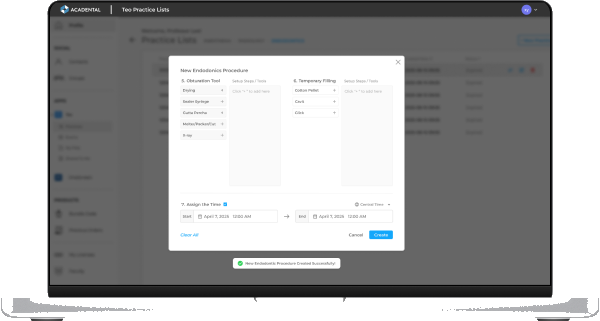
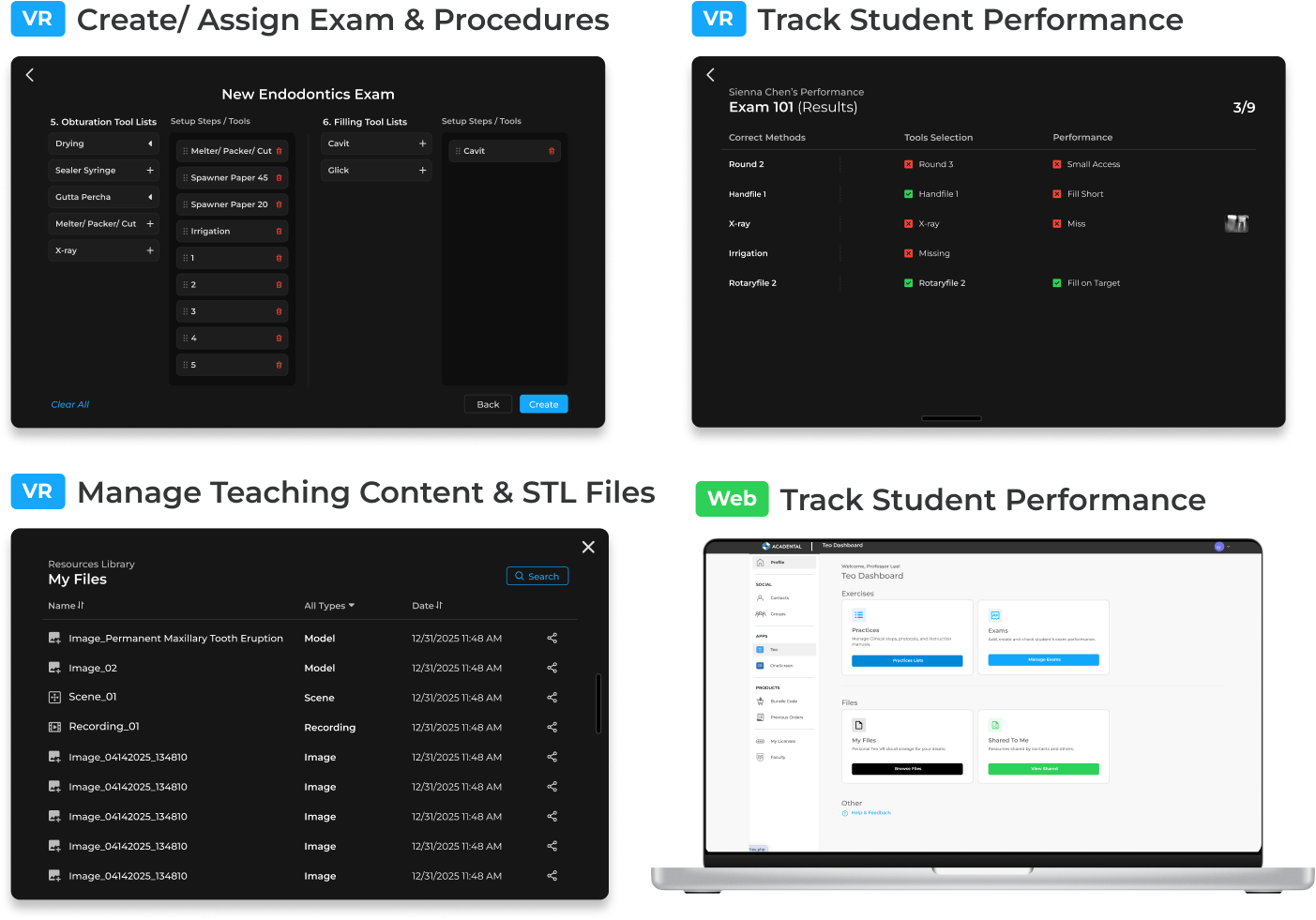
Faculty can create guided exercises and procedural assessments where students select the correct instruments and complete each step in sequence. This helps students build procedural logic and confidence before performing procedures clinically.
Local Anesthesia Training
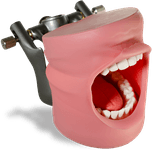
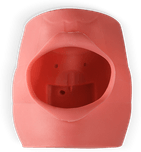
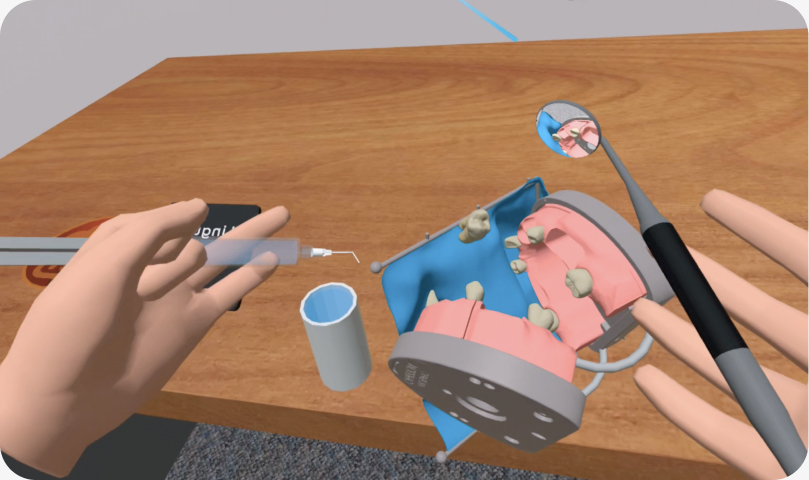
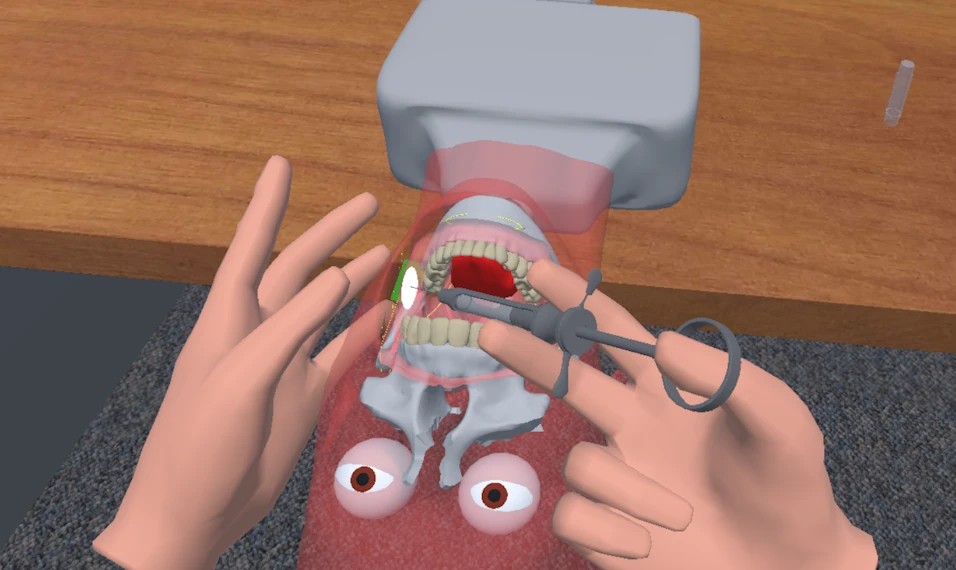
Teo Anesthesia Training is built for simulation labs and board preparation exercises. Students learn landmarks, positioning, angulation, depth, and injection procedures in VR, then apply those same techniques on the physical Astra model used during hands-on training.
A simple reset allows students to practice procedures repeatedly and build confidence through repetition. Transparent mode enables students to visualize nerves, anatomical landmarks, and underlying structures that cannot be seen during traditional simulation exercises.
Immersive Dental Anatomy
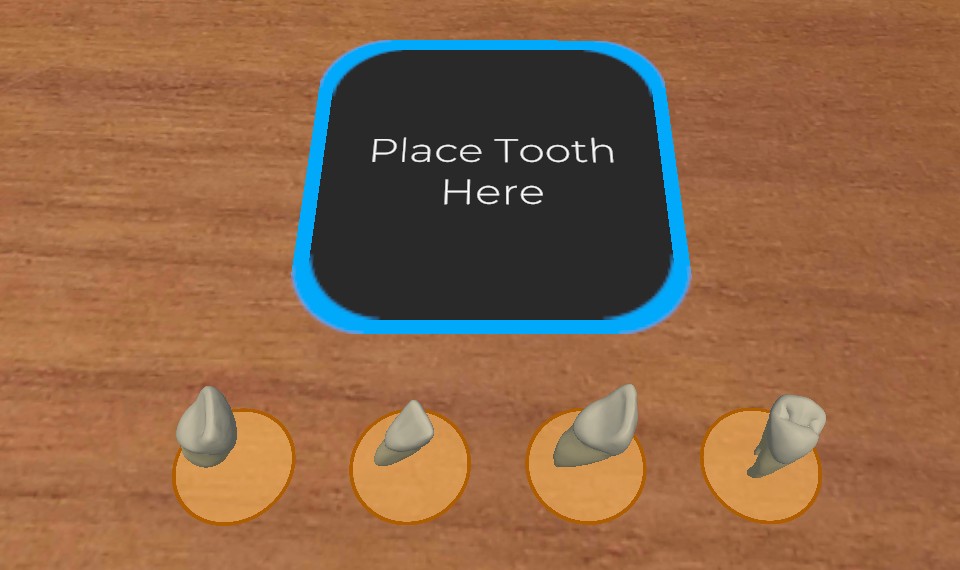
Teo Dental Anatomy helps students learn tooth anatomy through interactive 3D models, making it easy to recognize each tooth's unique features. Built-in quizzes reinforce learning through tooth identification, with customizable quiz modes and difficulty levels.
By mastering dental anatomy before lab sessions, students can build confidence and be better prepared for hands-on training.
Faculty Tools
Faculty Tools
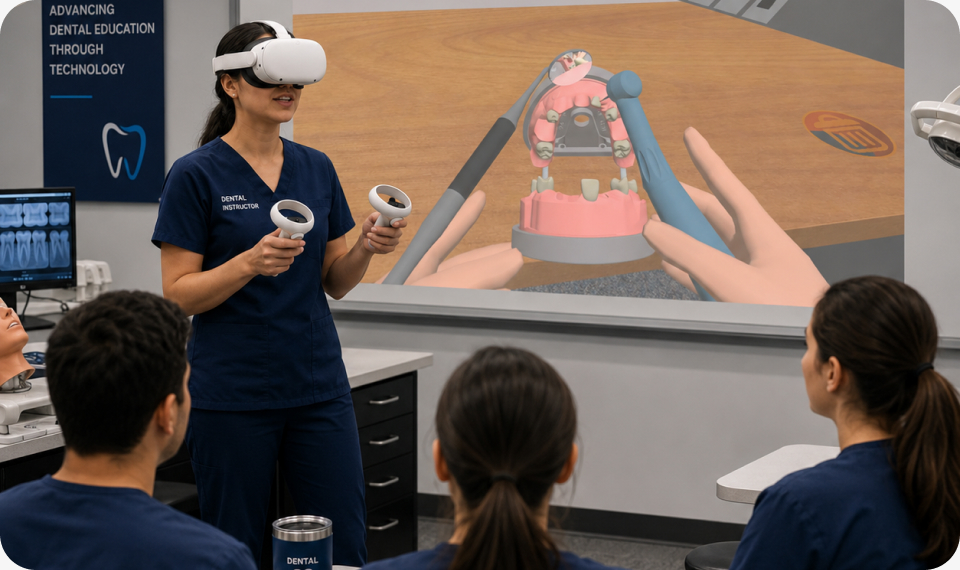
Teo VR doesn't have to be limited to a single learner. Instructors can demonstrate the same positioning, anatomy, and procedures students will later perform on physical simulation models.
By casting VR experiences to a classroom display, instructors can guide demonstrations, reinforce concepts, and help students develop spatial understanding together before lab, practicals, and patient care.
All-in-One App

Import and organize STL files for instruction and practice.

Build custom exams and assessments in minutes.

Assign procedures to individuals or groups.

Real-time insights into student performance.
Start Today
Unlock all 3 disciplines: Radiology, Local Anesthesia, and Endodontics while reinforcing concepts and procedures used throughout the simulation curriculum.
Built-in self-assessments, haptic feedback, and guided practice help students prepare for lab and patient care.
Features
Teo works in Meta Quest 2, 3, 3s, and Pro (sold separately).
Practice local anesthesia with Teo's VR guidance designed to align with the physical ModuPRO Astra model, including IA blocks and other injection techniques.
Practice independently or collaborate while mastering injection techniques and ergonomics.
Features
Teo works in Meta Quest 2, 3, 3s, and Pro (sold separately).
Unlock all 3 disciplines: Radiology, Local Anesthesia, and Endodontics while reinforcing concepts and procedures used throughout the simulation curriculum.
Built-in self-assessments, haptic feedback, and guided practice help students prepare for lab and patient care.
Features
Teo works in Meta Quest 2, 3, 3s, and Pro (sold separately).
Learn & Explore

See how Teo supports radiology, anesthesia, and procedural training in one platform.
Interpret radiographs, identify anatomy, and reinforce diagnostic concepts.
Practice landmarks, injection positioning, and Astra-based workflows.
Reinforce procedural steps, instrumentation, and clinical decision-making.
Create assignments, track progress, and identify learning gaps.